How to Create Games on TheDareRoom
TheDareRoom gives you three ways to create games other players can join:
- Dare game threads with Roll for me — built in the composer’s Jinx panel
- Dare Wheel — AI-powered spinning wheel, postable to the forum
- Dare Dice — progressive dice game with escalating rounds
1. Dare Game Threads (The Fast Path)
Every dare game thread starts the same way:
- Click New Topic anywhere on the forum
- Look for the wand icon at the right of the composer toolbar — that opens the Jinx Game Assistant panel
- Pick a template OR use the Build tab
Quickest: Pick a Template
The Templates tab has six ready-made formats. Pick one, tweak, insert, post:
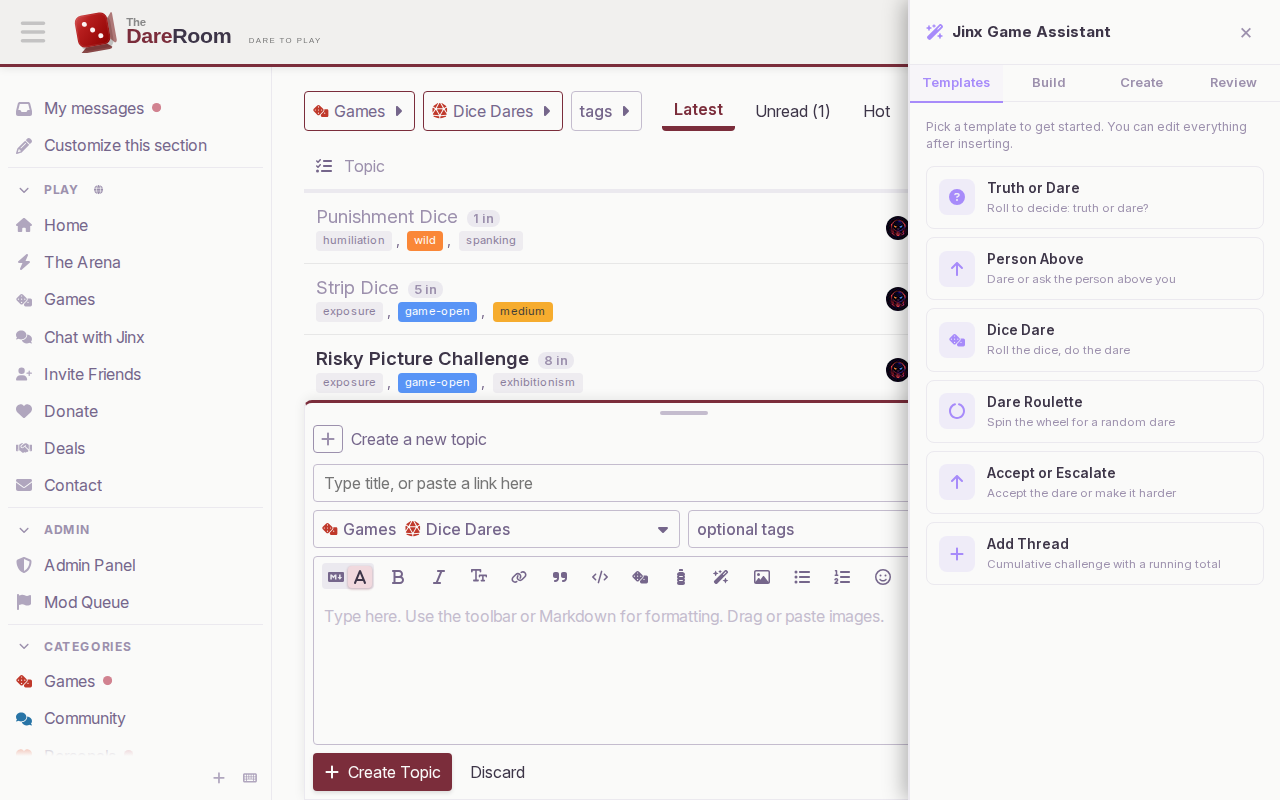
- Truth or Dare — classic roll to decide
- Person Above — dare or ask the person who posted above
- Dice Dare — roll the dice, do the dare
- Dare Roulette — spin the wheel for a random dare
- Accept or Escalate — take the dare or make it harder
- Add Thread — cumulative challenge with a running total
Templates auto-set the correct category (e.g. Dice Dare → Dice Dares, Person Above → Person Above). You just fill in the title.
Custom: The Build Tab
The Build tab lets you design your own multi-roll game. Each roll has a label and a list of options — one per line.
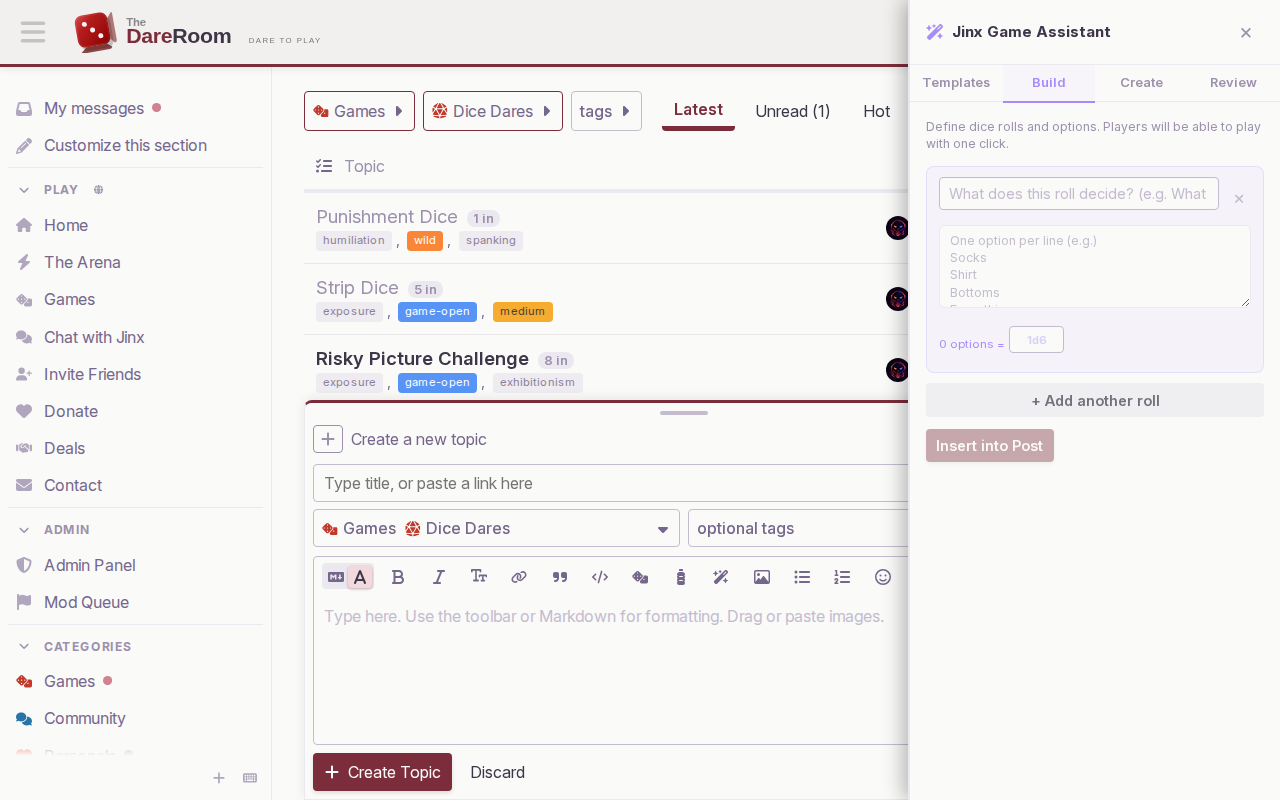
- Add up to 6 rolls per game (click “+ Add another roll”)
- Dice size auto-matches option count (6 options = 1d6, 4 options = 1d4)
- Click Insert into Post — the
[roll]tags drop straight into your post
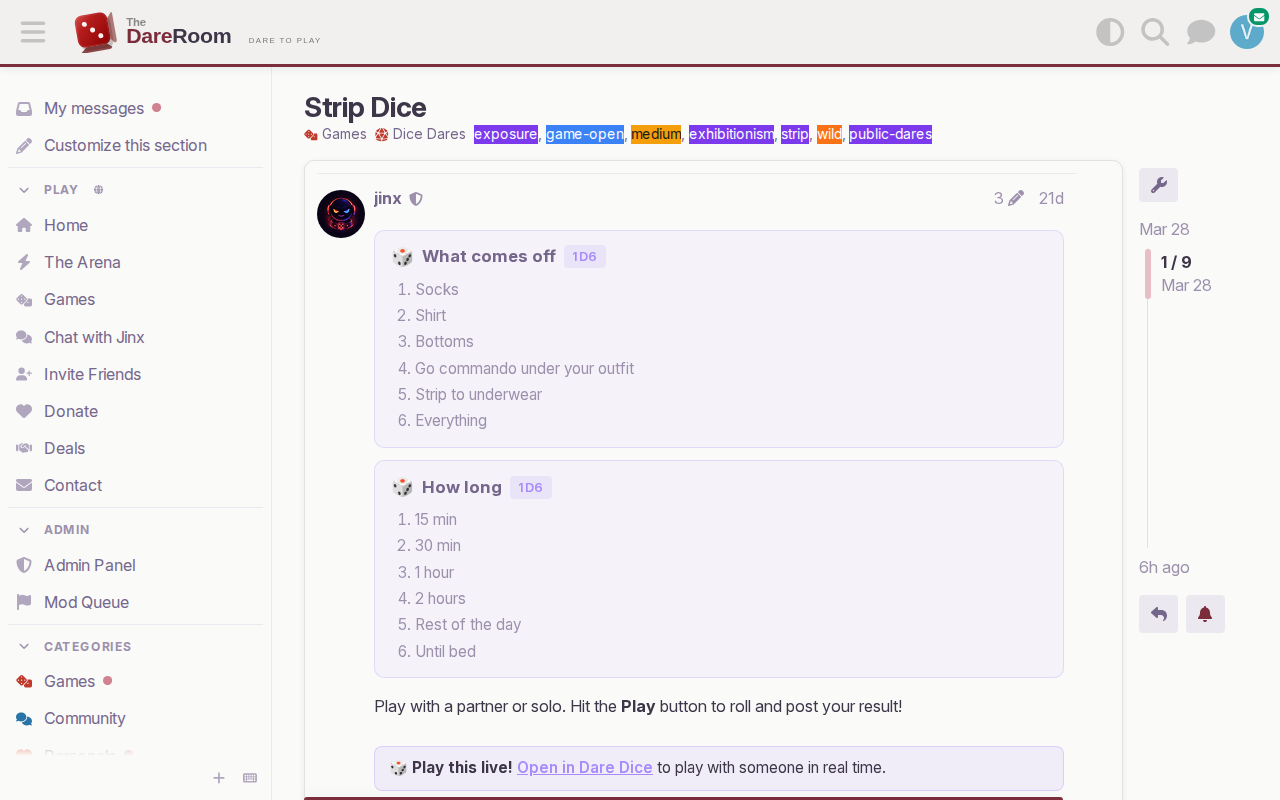
Here’s what a published two-roll thread looks like:
What Roll for me Does
Once you publish a thread with [roll] blocks, the composer gets a Roll for me checkbox. When someone checks Roll for me and hits Reply:
- Roll & Post — rolls all the dice server-side, posts the result as a reply, joins your Ready Now list
- Just Join — joins Ready Now without rolling (so you can coordinate first)
Dice roll server-side, so there’s no way to cheat by refreshing.
2. Dare Wheel
/wheel is an AI-powered spinning wheel. Play solo, create a multiplayer room, or post a wheel to the forum.
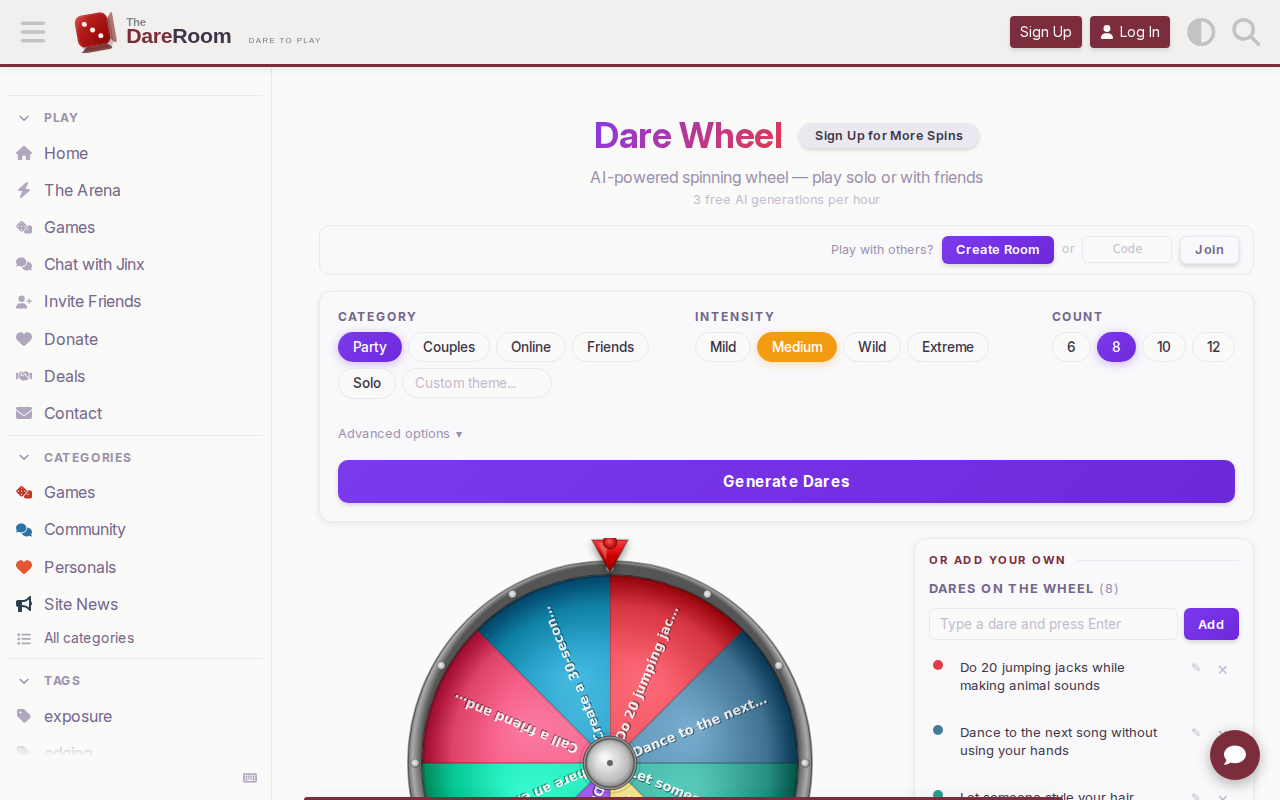
To create a forum thread from a wheel:
- Go to /wheel
- Pick a category + intensity, generate dares (or add your own)
- Click Post Wheel to Forum — opens the composer pre-filled
3. Dare Dice
/dare-dice is a progressive dice game — rounds escalate from mild to extreme. Pick a curated progression (The Classic, The Strip Down, Online Challenge) or build your own.
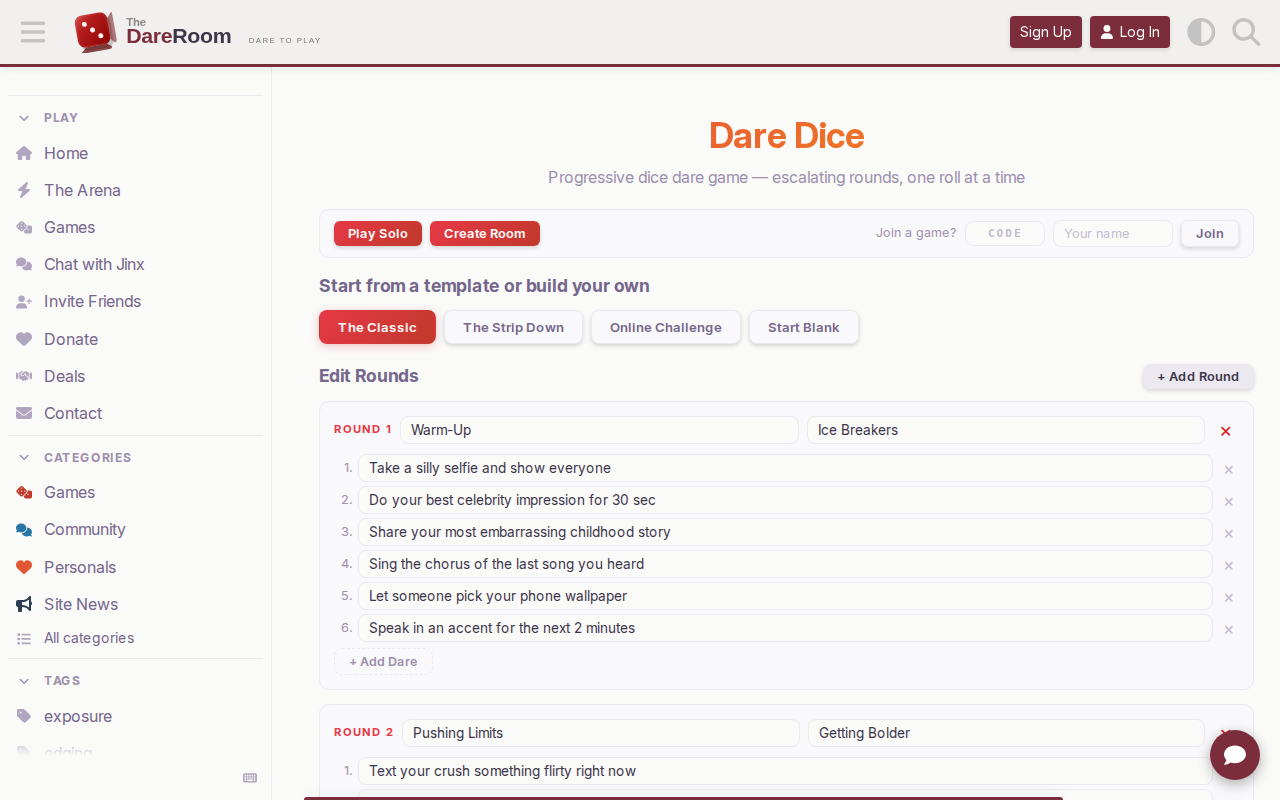
- Each round has 1-20 dares (dice size auto-matches)
- Save custom progressions when logged in
- Post to Forum to share a playable game thread
4. Games Hub
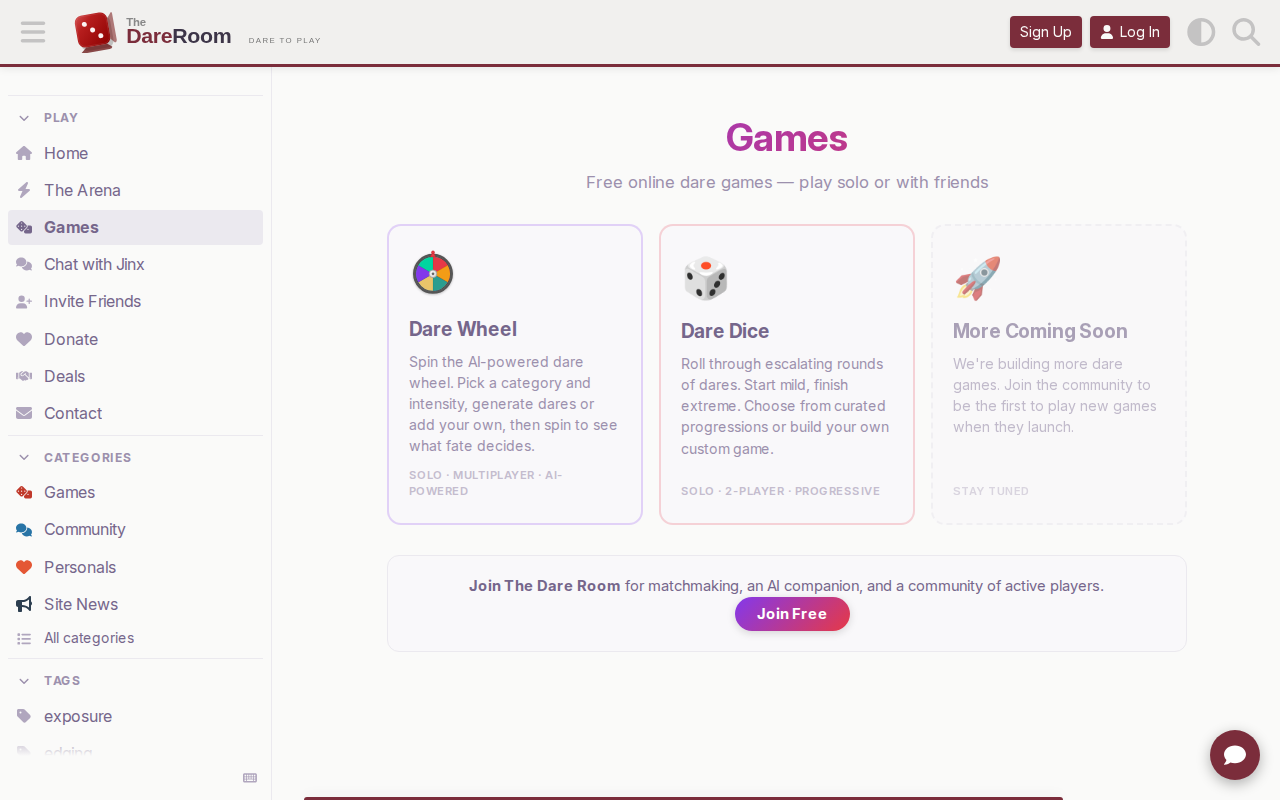
/games is the landing page for all standalone games — quick launch without creating a thread.
Tips for Good Game Threads
- Clear title. “Strip Dice” beats “Dice game #5”
- Tag the intensity.
mild,medium,wild,extremehelp players find their level - Tag the format.
game-1v1,game-group,game-openso people know what they’re joining - Post your own roll first. Breaks the ice and shows you’re committed
Keeping This Updated
This post is a wiki — if you spot something out of date, reply and we’ll update it.